Multi-Tenancy
Every table is tenant-isolated, and global query filters apply to every query automatically.
No cross-tenant accessThe Customer Portal gives 3PL clients direct access to their own stock, orders and documents. The ERP integration keeps masters, rates and invoices in sync, with tenant isolation and 7 roles protecting everything in between.
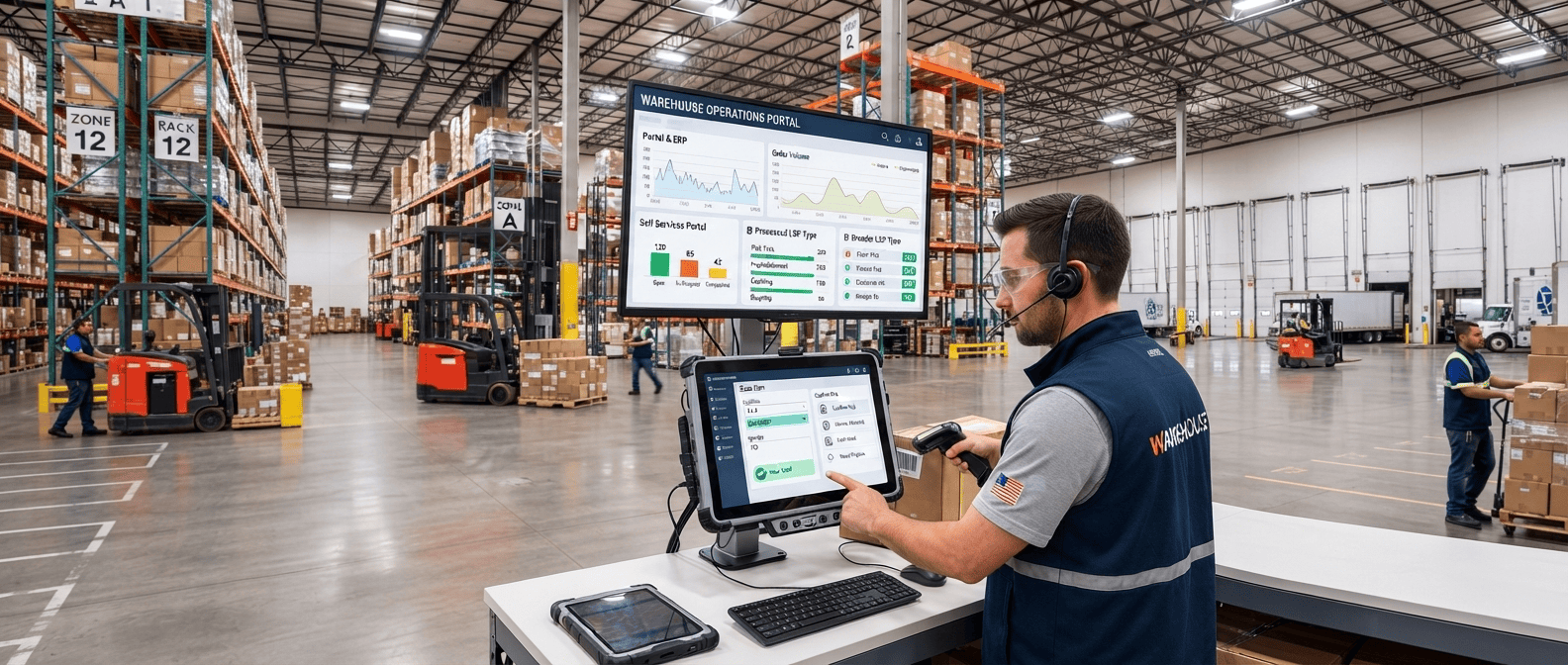
Each tenant gets its own subdomain. Clients see live stock, raise ASNs and orders, and download documents without calling your team.
On hand, quarantined, allocated and available, in the same layout as the Operations Console.

An aggregate view across sites, with an optional single-site filter.
Clients raise ASNs with a zone preference, ready for your receiving team.
Orders can be created at any packaging level, from pieces to pallets.

GRN, GIN and invoice PDFs, found by document number.
Expiry alerts scoped to the client's own products only.
 The customer is always resolved server-side from the login token, so a client can never see another client's data. Portal logins are created by your operations team.
Masters and rates come in from the ERP. Invoices and credit notes go back out automatically, with safe retries.
Triggered manually when you need fresh data.
Saved in the same transaction as the invoice.

The ERP is searched by reference before any record is created, so every retry is safe.

Each tenant's ERP credentials are protected with ASP.NET Core Data Protection.

An extensible bridge table supports adapters for SAP, NetSuite, Oracle and more.
Every query is scoped to its tenant automatically, and every action is logged permanently.
Every table is tenant-isolated, and global query filters apply to every query automatically.
No cross-tenant access
JWT tokens expire after 8 hours with a 7-day refresh. Seven roles run from System Admin to Portal User.

Log rows are never edited or deleted. Each action is timestamped, tied to a user and scoped to a site.
Append-only
Trial balance every 15 minutes, expiry checks nightly and ERP push every 10 seconds, all logged and retried.
Available on the Operations Console and the Customer Portal, with real-time data.
Where stock is right now, by state, LPN and location.
A live grid split by stock state, identical on both interfaces.
Opening plus inbound, minus outbound, plus splits and other moves, equals closing.
Per bin: LPNs present with full history and a present or departed flag.
What came in, what went out and what work was done.
Filter by date, customer, status or GRN number, with a PDF per row.
Filter by date, customer, status or GIN number, with a PDF per row.
By date, customer, service type and trigger, in Excel or PDF.

Expiry risk, write-offs and count results for audit.
Grouped by expiry bucket, with bin, batch and customer details.
An append-only record of every write-off.
Full variance history per line, including recounts.